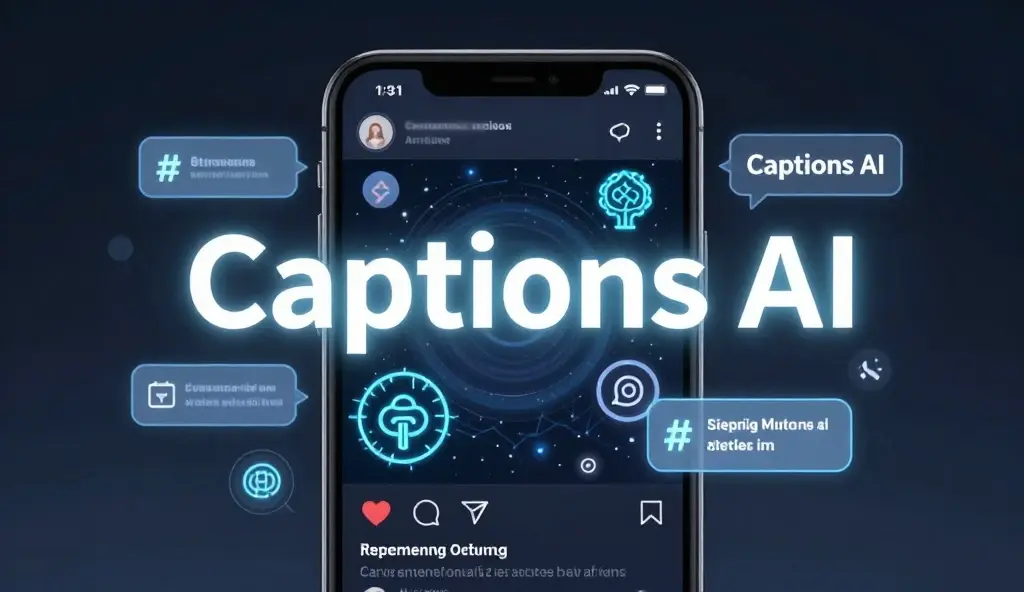

Captions AI can make creating social media content much faster.
Instead of staring at a blank screen and wondering what to write, AI caption tools can help turn a photo, video, product idea, or short description into a ready-to-edit caption.
For Instagram creators, small businesses, influencers, bloggers, and everyday users, the biggest benefit is speed.
You can use AI to brainstorm funny captions, cute captions, Instagram captions, Reel captions, product descriptions, hooks, and calls to action in seconds.
But the best results still need a human touch.
AI can suggest the words; you decide whether those words actually sound like you.
In 2026, the smartest approach is not to copy and paste every AI-generated caption.
Use AI as a creative assistant, then add your own voice, details, humor, and experience.
This guide explains what Captions AI means, how AI caption generators work, what they can create, how to write better prompts, and how to make AI-assisted captions feel natural.
What Is Captions AI?
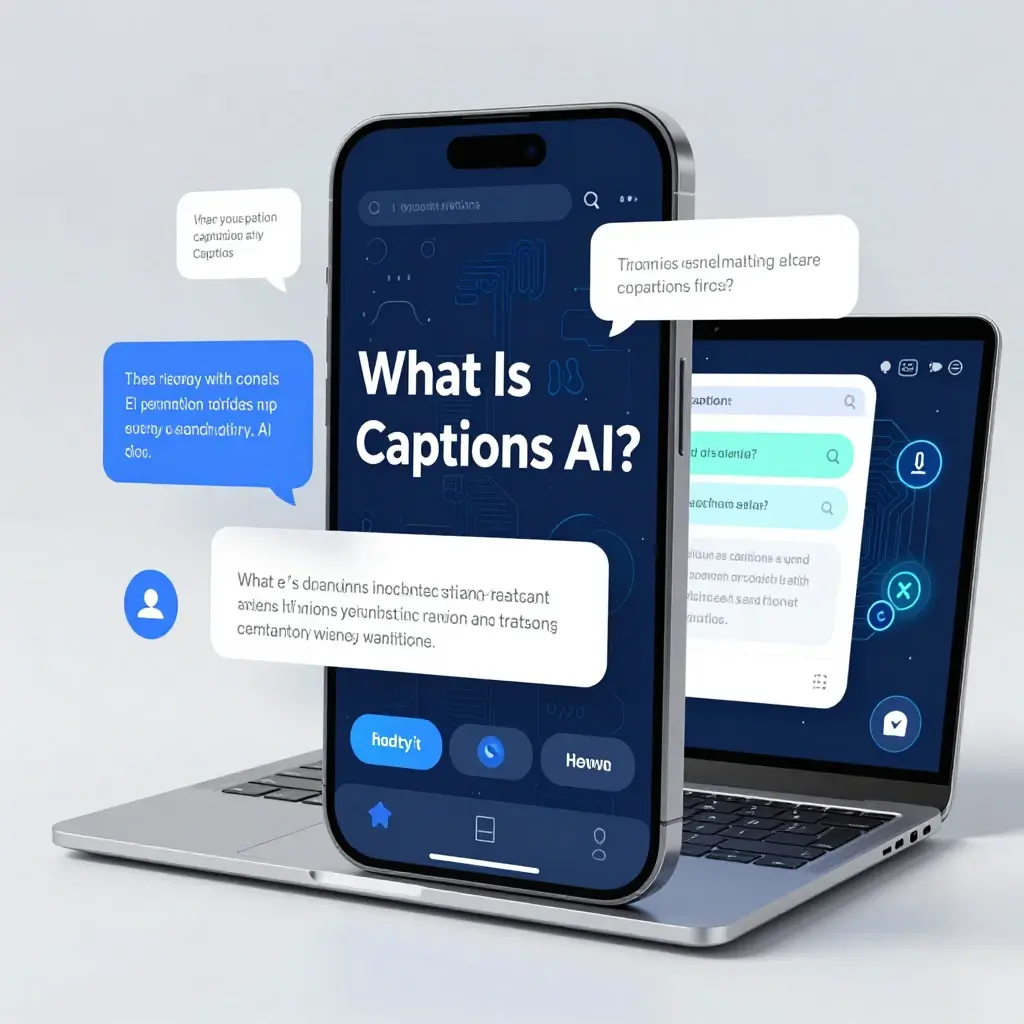
Captions AI generally refers to artificial intelligence tools that help create captions for social media posts, videos, photos, and other digital content.
Depending on the tool, you may enter a topic, upload an image, describe your post, or provide a few keywords. The AI then suggests caption ideas based on your instructions.
- 🤖 AI can generate caption ideas from a short prompt.
- 📸 Some tools can create captions based on images.
- 🎬 Video-focused tools can help with social content and scripts.
- ✍️ You can request different writing styles.
- 😂 AI can suggest funny or playful captions.
- ❤️ It can create romantic and emotional captions.
- 🛍️ Businesses can create promotional captions.
- 🔄 You can ask for multiple versions of the same idea.
The quality depends heavily on the instructions you provide.
How an AI Caption Generator Works
An AI caption generator uses a language model to predict and produce text based on the information you provide.
For example, you might tell an AI tool that you’re posting a sunset photo and want a short, peaceful Instagram caption. It can then create several options that match those instructions.
- 🧠 Give the AI a topic.
- 🎯 Explain your goal.
- 👥 Mention your audience.
- ✨ Choose a tone.
- 📏 Set a preferred length.
- 📱 Tell it where you’ll post.
- 🔄 Ask for several variations.
- ✍️ Edit the final result.
The more useful context you give, the easier it is for the tool to create something relevant.
Why Use Captions AI?
Writing captions can take longer than expected, especially when you’re managing multiple social accounts.
AI can help remove the blank-page problem and give you a starting point.
- ⏱️ Save time when creating posts.
- 💡 Generate ideas when you’re stuck.
- 📸 Create captions for different photo types.
- 🎬 Brainstorm Reel captions.
- 😂 Find different humor styles.
- 🛍️ Create promotional copy.
- 📅 Plan captions for content calendars.
- 🔄 Turn one idea into several versions.
AI is most useful as a brainstorming partner rather than a replacement for your personal voice.
Captions AI for Instagram
Instagram captions can serve different purposes. Some simply add personality, while others provide context, tell a story, encourage comments, or support a brand message.
A good AI prompt should tell the tool exactly what you’re posting.
- 📸 Describe the photo or video.
- 🎯 Tell it your main message.
- 👥 Identify your audience.
- ✨ Choose your tone.
- 📏 Request a specific length.
- 💬 Ask for natural language.
- 🔎 Include relevant terms when needed.
- ❤️ Add personal details before publishing.
For example, “Write a short Instagram caption” is broad. “Write five playful captions for a sunset photo from Miami, using casual American English and no clichés” gives the AI much better direction.
Captions AI for Instagram Posts
Different posts need different caption styles.
A birthday photo shouldn’t sound like a product launch, and a business announcement shouldn’t sound like a random selfie.
- 🎂 Use celebratory language for birthdays.
- 🏖️ Use relaxed language for vacation posts.
- 👗 Highlight style for outfit photos.
- ❤️ Use warm language for relationship posts.
- 😂 Add humor to casual pictures.
- 🏆 Celebrate achievements naturally.
- 🍕 Make food posts playful.
- 📖 Tell a short story when it adds value.
Always check whether the generated caption actually matches the picture.
Captions AI for Reels
Reels move quickly, so your caption should support the video instead of repeating every frame.
AI can help you brainstorm hooks, descriptions, questions, and short calls to action.
- 🎬 Create several caption hooks.
- 👀 Build curiosity naturally.
- 😂 Add humor when appropriate.
- 💡 Summarize useful information.
- 💬 Encourage relevant comments.
- 🔖 Suggest a reason to save the post.
- 📱 Keep the wording easy to scan.
- ✨ Match the video’s actual content.
Never use a misleading hook simply to get attention.
Captions AI for TikTok Content
AI caption tools can also help brainstorm short-form video copy for TikTok and similar platforms.
The strongest approach is to describe the video’s actual subject and audience.
- 🎥 Explain what happens in the video.
- 🎯 Define the main takeaway.
- 😂 Choose the right humor level.
- 💬 Ask for conversational language.
- ⚡ Request several short options.
- 👀 Test different opening lines.
- 🧠 Remove generic AI phrases.
- ✍️ Add your own voice.
Short-form content often benefits from simple language that feels natural.
Captions AI for Small Businesses
Businesses can use AI caption tools to reduce the time needed to create social content.
AI can brainstorm promotional ideas, educational posts, product highlights, seasonal messages, and community-focused content.
- 🛍️ Promote products.
- 📢 Announce offers.
- 🆕 Introduce new products.
- 💡 Share helpful tips.
- ⭐ Highlight customer benefits.
- 📅 Build content calendars.
- 🏪 Explain your brand story.
- 💬 Create conversation starters.
Businesses should always verify product claims, prices, policies, and other factual information before publishing AI-assisted content.
Captions AI for Influencers and Creators
Creators often need fresh ideas without making every post sound the same.
AI can help create variations while the creator provides the personality.
- 🎥 Generate Reel ideas.
- 📸 Brainstorm photo captions.
- 😂 Create humorous alternatives.
- 💕 Develop lifestyle captions.
- 🧠 Repurpose content ideas.
- 📅 Plan recurring themes.
- ✍️ Rewrite captions in your voice.
- 🔄 Turn one idea into multiple posts.
Your personal experiences are what make creator content different from generic AI text.
Funny Captions AI Can Create
AI can quickly generate different types of humor, but humor is subjective.
Tell the tool what kind of joke you want rather than simply asking for “something funny.”
- 😂 Ask for dry humor.
- 🤣 Request playful humor.
- 😎 Try sarcastic captions.
- 🫠 Use relatable everyday humor.
- 👯 Create friendship jokes.
- 🍕 Make food-related jokes.
- 📸 Joke about taking too many photos.
- 💤 Create lazy-day humor.
Always read the result before posting. Some AI jokes can sound forced or miss the context.
Cute Captions AI Can Create
Cute captions work well for pets, couples, flowers, selfies, family moments, and everyday happiness.
Tell the AI whether you want something sweet, simple, romantic, or playful.
- 🥰 Ask for sweet captions.
- 🌸 Create soft captions.
- 🎀 Try playful wording.
- 🐶 Generate pet captions.
- 💕 Write couple captions.
- ☀️ Create happy-moment captions.
- 🦋 Ask for gentle language.
- ✨ Keep the final version natural.
Avoid overused phrases if you want your caption to feel personal.
Attitude Captions AI Can Create
AI can generate confident captions for selfies, fashion posts, achievements, and personal milestones.
The strongest ones should show confidence without becoming unnecessarily negative.
- 👑 Ask for confident captions.
- 🔥 Request bold wording.
- 😎 Try calm confidence.
- 💯 Highlight self-belief.
- 🖤 Keep the tone classy.
- 🎯 Focus on personal goals.
- 🚀 Celebrate progress.
- 💪 Show strength without attacking others.
A confident caption should sound like your personality, not like a motivational poster.
Captions AI for Girls
AI can create caption ideas for girls’ selfies, outfits, travel photos, friendships, birthdays, and lifestyle posts.
Give the tool enough context to avoid generic results.
- 👗 Describe the outfit.
- 💅 Mention the mood.
- 🌸 Choose cute or classy wording.
- 👑 Request confident captions.
- 📸 Explain the photo setting.
- 🫶 Add the occasion.
- ✨ Choose the desired length.
- 💕 Edit the final version personally.
Your own wording can turn a generic suggestion into something much stronger.
Captions AI for Boys
AI caption generators can also create casual, funny, confident, and stylish captions for men’s social posts.
- 😎 Request simple captions.
- 🔥 Try confident wording.
- 😂 Ask for dry humor.
- 🏋️ Create gym captions.
- ✈️ Generate travel captions.
- 👕 Write outfit captions.
- 🏆 Celebrate achievements.
- 📸 Create selfie captions.
Keep the final caption consistent with your normal online personality.
Captions AI for Birthdays
Birthday captions are easy to personalize with AI because you can provide the age, mood, relationship, or type of celebration.
Instead of asking for “birthday captions,” give more detail.
- 🎂 Ask for funny birthday captions.
- 🥳 Create short birthday messages.
- 🎈 Generate captions for milestone birthdays.
- 💕 Write heartfelt birthday captions.
- 😂 Add age-related humor.
- 🥂 Create celebration captions.
- 📸 Make captions for birthday photos.
- ✨ Request classy birthday wording.
Always check that the age and personal details are correct.
Captions AI for Couples
Relationship posts can be romantic, funny, cute, or casual.
AI can provide options, but personal memories make the final caption much stronger.
- ❤️ Request romantic captions.
- 😂 Try funny couple captions.
- 🥰 Create cute captions.
- 🫶 Mention a shared memory.
- 🌎 Add a travel detail.
- 💍 Write engagement captions.
- 🎉 Create anniversary captions.
- ✨ Keep the final words personal.
A small real detail can make an AI-assisted caption feel completely human.
Captions AI for Travel Posts
Travel content gives AI plenty of context to work with.
Include the destination, activity, mood, and audience for better results.
- ✈️ Add the destination.
- 🌍 Mention the type of trip.
- 🗺️ Describe the adventure.
- 🌊 Include the scenery.
- 📸 Explain what the photo shows.
- 😂 Add travel humor.
- 🧳 Mention a memorable moment.
- ✨ Choose a relaxed tone.
Specific details usually produce more interesting captions than generic travel language.
Captions AI for Brands
Brand captions require more care than personal posts.
A business caption should sound consistent with the company’s identity and should never make claims the business can’t support.
- 🏷️ Follow the brand voice.
- 🎯 Know the target customer.
- 📢 Keep claims accurate.
- 🛍️ Explain the product benefit.
- 💡 Provide useful information.
- ✨ Keep promotional language natural.
- 📅 Match seasonal campaigns.
- 🔍 Review every factual detail.
AI can help with speed, but brand judgment still belongs to a human editor.
Best Captions AI Prompt
The quality of an AI caption often depends on the quality of the prompt.
A strong prompt tells the AI what the content is, who will see it, what tone you want, and what the caption should accomplish.
A useful prompt can include:
- 📸 Content: What are you posting?
- 👥 Audience: Who will see it?
- 🎯 Goal: What should the caption do?
- ✨ Tone: Funny, cute, classy, bold, or emotional?
- 📏 Length: One line, short paragraph, or longer?
- 🗣️ Voice: Casual, professional, playful, or personal?
- 🚫 Avoid: Clichés, hashtags, emojis, or sales language.
- 🔄 Options: Ask for several different versions.
Example prompt
Write 10 short Instagram captions for a sunset photo. Use natural American English, a calm and slightly poetic tone, no clichés, and no more than 12 words per caption.
Specific instructions give you much more control.
How to Make AI Captions Sound Human
AI-generated writing can sometimes sound too polished or predictable.
The easiest way to improve it is to edit the result instead of publishing it unchanged.
- 🗣️ Replace formal words with your normal words.
- ✂️ Remove unnecessary phrases.
- 😂 Add your own humor.
- 📸 Mention something that actually happened.
- ❤️ Include a real feeling.
- 🎯 Keep your natural sentence length.
- 🚫 Remove clichés.
- ✍️ Read it out loud before posting.
If you wouldn’t say it to a friend, rewrite it.
Common Problems With AI Captions
AI is useful, but it isn’t perfect.
Generated captions can sometimes be repetitive, overly emotional, generic, or disconnected from the actual image.
- 🤖 Generic phrases can feel artificial.
- 🔄 Similar ideas may appear repeatedly.
- 📸 The caption may misunderstand the image.
- 😂 Humor may not land correctly.
- ❤️ Emotional wording can feel exaggerated.
- 📢 Marketing copy can sound too salesy.
- 🧠 AI may miss your personal context.
- 🔍 Facts may need verification.
Human editing is what turns a generated draft into useful social content.
AI Captions vs Human-Written Captions
AI and human writing each have different strengths.
Humans are better at personal experience, emotional nuance, cultural context, and knowing what feels authentic.
- 🤖 AI can generate ideas quickly.
- ✍️ Humans add personal experience.
- 🔄 AI can create many variations.
- ❤️ Humans understand personal emotion.
- 🧠 AI can help overcome writer’s block.
- 🎯 Humans make final decisions.
- 📅 AI can help with content planning.
- ✨ Humans give content its personality.
The best workflow combines both.
Captions AI and SEO
If you’re creating social captions for a business, relevant language can help users understand what the post is about.
But adding keywords mechanically can make captions awkward.
- 🔎 Use relevant terms naturally.
- 📍 Mention locations when useful.
- 🛍️ Describe products accurately.
- 🎯 Match the searcher’s intent.
- 💬 Write for real people.
- 🚫 Don’t repeat keywords unnecessarily.
- ✨ Keep the caption readable.
- 🧠 Prioritize useful context.
AI can suggest keywords, but you should decide which ones actually belong.
Captions AI and Instagram Search
Instagram search relies on signals that help connect people with relevant content. Captions can provide useful context, especially when they naturally describe the subject of a post.
Instagram has also emphasized relevant keywords, strong openings, storytelling, and readable captions as useful practices for content.
- 🔎 Describe the actual topic.
- 📍 Add relevant location details.
- 👗 Mention relevant products or subjects.
- 💬 Use natural phrases.
- 🎯 Match the content to the audience.
- 📸 Give context beyond the image.
- ✨ Avoid keyword stuffing.
- 🧠 Write for humans first.
AI should support your content strategy, not replace it.
2026 Captions AI Trends
AI-assisted social content is becoming more common, but generic copy is easier to recognize when everyone uses similar prompts.
The better trend for 2026 is personalization. Use AI for speed, then add something that could only come from you.
- 🤖 Use AI as a creative assistant.
- 🧠 Give detailed prompts.
- ✍️ Edit every important caption.
- 📸 Add real context.
- 💬 Keep your natural voice.
- 🎯 Create different versions for different audiences.
- 🔄 Repurpose ideas instead of copying text.
- ❤️ Let personal experience lead.
The goal isn’t to hide that AI helped. The goal is to create content that is genuinely useful and sounds like the person or brand publishing it.
How to Use Captions AI Step by Step
You don’t need a complicated workflow.
A simple process can turn a basic idea into a polished caption in a few minutes.
- 📸 Start with the photo or video.
- 📝 Describe what people are seeing.
- 🎯 Explain the purpose of the post.
- 👥 Identify your audience.
- ✨ Choose a tone.
- 🔄 Generate several options.
- ✍️ Edit your favorite one.
- 📱 Read it once before publishing.
This gives you speed without giving up your personal voice.
FAQs:
What is Captions AI?
Captions AI refers to AI-powered tools and workflows that help people create captions for photos, videos, social posts, and other digital content.
Is Captions AI free?
Some AI caption tools offer free features, while others use subscriptions, credits, or paid plans. Pricing and features vary by tool.
Can AI write Instagram captions?
Yes. AI can create Instagram captions from a topic, description, image context, tone, audience, or other instructions.
Are AI-generated captions good?
They can be useful, especially for brainstorming and creating first drafts. Human editing usually makes them more personal, accurate, and natural.
Can AI create funny captions?
Yes. You can ask an AI tool for funny, sarcastic, playful, dry, or relatable caption ideas and then choose the version that fits your post.
How do I make AI captions sound human?}
Add personal details, use your normal vocabulary, remove generic phrases, and rewrite anything you wouldn’t naturally say.
Can AI captions help Instagram SEO?
AI can help you create captions that naturally include relevant topics and phrases. However, keywords should never be forced into captions.
What is the best prompt for an AI caption generator?
The best prompt explains the content, audience, goal, tone, length, and anything you want the AI to avoid. More specific instructions usually produce more useful results.
Conclusion:
Captions AI can save time, generate ideas, and make social media content easier to create. It’s especially useful when you’re staring at a blank screen or need several caption ideas for the same photo.
But AI shouldn’t replace your personality.
Use it to brainstorm. Give it clear instructions. Generate several options. Then edit the result until it sounds like you. Add a real detail, a personal joke, a feeling, or a small story that AI couldn’t know without you.
That’s where the best AI-assisted captions come from.

Caroline Ashford brings 17 years of writing and editorial experience to creating warm, creative, and relatable social media captions.